Requests, tasks and agreements in one place
Requests reach you by email, by phone, through the contact form and in passing. What becomes of them is usually decided by whoever happens to take them. A ticket system gathers these matters in one place, records who is responsible and makes visible what is still open.
We provide the server for it and run it in our ISO 27001 certified data centre in Germany. Your staff work in the browser, from anywhere. The technology sits with us, how it is set up is yours to decide.
How it looks day to day
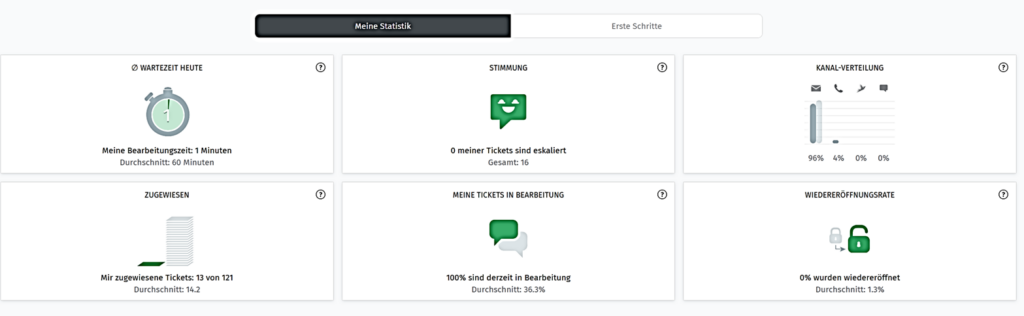
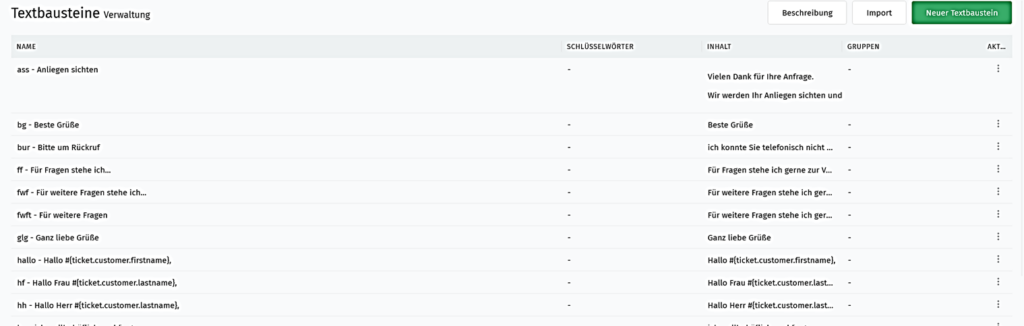
An email to support becomes a ticket with its own number. It goes to a group or to a person, gets a category and stays visible until it is done. Replies leave the system as ordinary email and arrive back there as well. The person at the other end need do nothing but reply.
Anyone going on holiday records a stand in, and the tasks carry on. Anyone answering the same question for the hundredth time sets up a text block for it. And anyone who wants to know what was left over last week sees it at a glance instead of gathering it together.
The main functions
- Views for each team: which columns, which sort order and who may see what is yours to define.
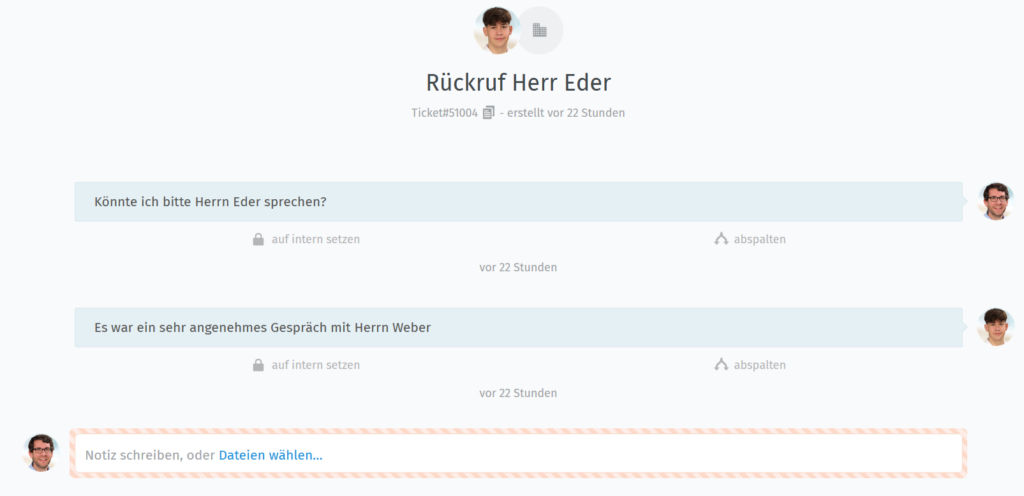
- Text blocks and templates: insert recurring replies with a short code instead of typing them out again.
- Checklists: work through procedures with several steps without switching between programs.
- Cover during absence: record who is away and tasks pass on by themselves.
- Merge or split tickets: bundle what belongs together, break up what has grown too large.
- Full text search: searches the attachments too, not only the text.
- History: who changed what and when stays traceable.
- Access for your customers: they follow their own tickets and add information themselves.
- Knowledge base: instructions in one place, either internal only or for customers as well.
- Multilingual and mobile: the interface speaks more than 40 languages and works on a phone.
Connected to the rest of your technology
The system does not stand on its own. It can be linked to what is already running at your place:
- Email and calendar: Microsoft 365, Exchange and calendars over iCal.
- Telephone: Placetel, Sipgate and other systems over CTI. You see who is calling as the phone rings, and the call stays noted with that customer.
- Signing in: Active Directory or LDAP, single sign-on and two-factor authentication.
- Encryption: signed and encrypted email over S/MIME or PGP.
- Monitoring: Checkmk, Nagios, Icinga and Monit report faults straight into a ticket.
- Further tools: i-doit, GitHub, GitLab, Grafana, Slack, Microsoft Teams, Telegram and WhatsApp Business.
- Connections of your own: the REST interface and webhooks let you connect whatever is not listed here.
What it costs
The server starts at 78.00 euros a month and is enough for at least ten users. Setup is charged by the time it takes. Which functions you need is for you to decide.
What we take on
We provide the server, set the system up and map your processes into it. After that we train the users and look after updates and backups. We have used it ourselves every day for years, from the customer enquiry through to the internal task.
If you would like to see what this would look like at your place, we will show you using a case from your own working day.